
Windowsでのフィンガプリントの取得方法を紹介
macも参考にはなるかも
PowerShellでkeytoolを打ったらエラー
keytool: The term ‘keytool’ is not recognized as a name of a cmdlet, function, script file, or executable program. Check the spelling of the name, or if a path was included, verify that the path is correct and try again.
そもそも、シェルで打つコマンドではなかったみたい
コマンドプロンプトで実行するもエラー
以下のエラーが発生
「keytoolエラー: java.lang.Exception: キーストア・ファイルは存在しません:」
javaが入っていないらしい
Javaを入れる
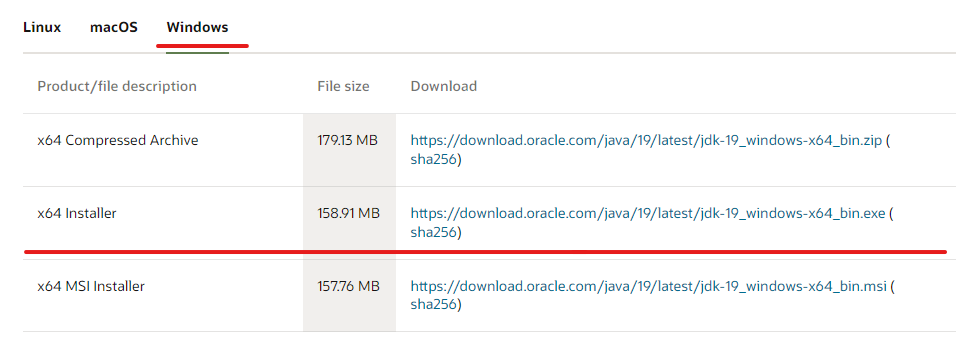
以下のサイトから、Javaを取得
https://www.oracle.com/java/technologies/downloads/#jdk19-windows
フィンガプリントの取得
以下のコマンドを入力すると、SHA1のフィンガプリントを取得することができた
ユーザー名だけ自分のに変えてね
keytool -list -v -keystore “C:\Users\ユーザー名.android\debug.keystore” -alias androiddebugkey -storepass android -keypass android